Blog · AI agents and workflows
AI Agent vs Chatbot vs Automation: Which One Does Your Business Need?
The real difference between the three, a side-by-side comparison, a five-question decision guide and a simple test before you pay for an agent.
By Dijae Dadula · November 1, 2026 · 9 min read
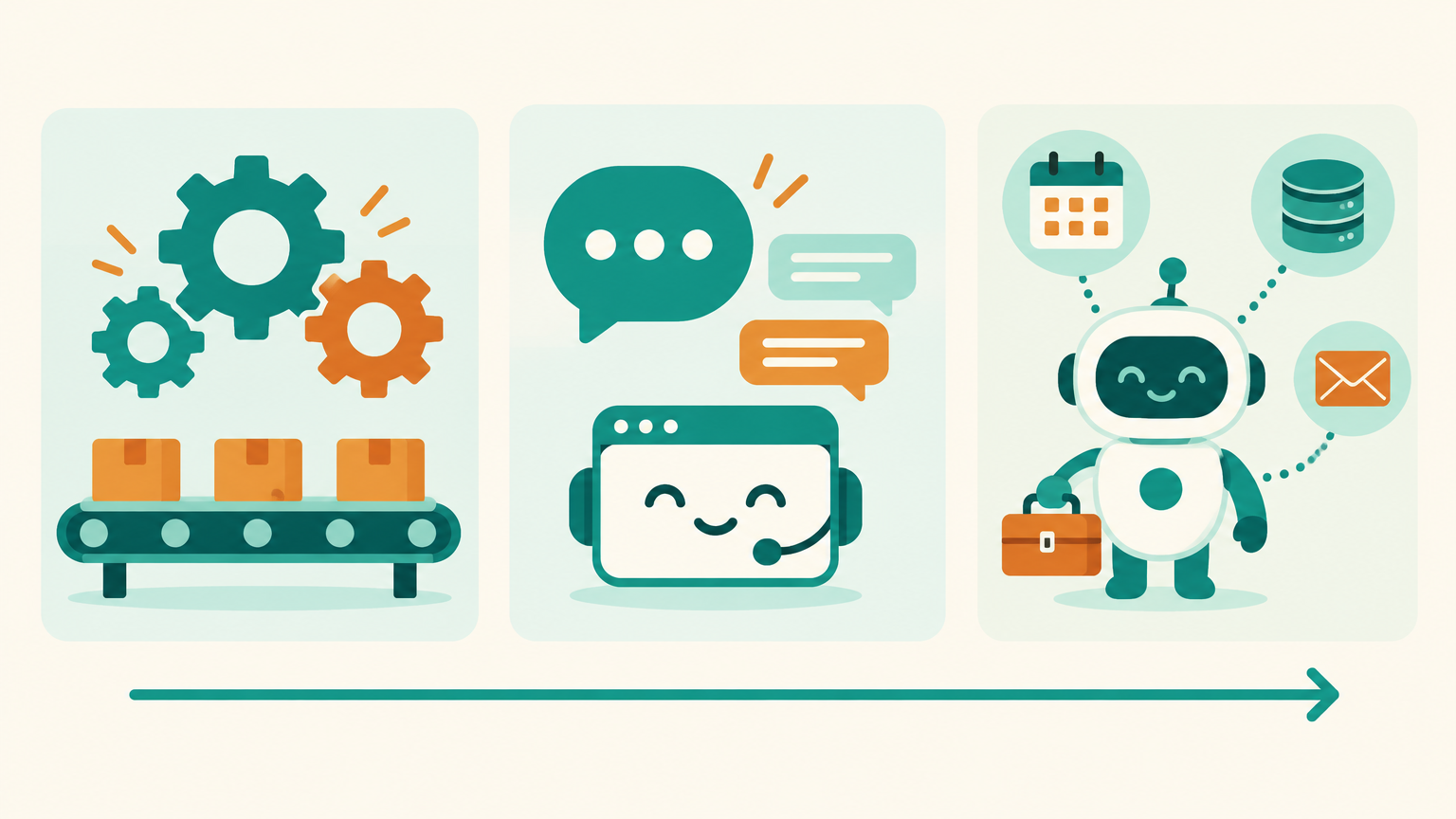
Every tool now calls itself an AI agent. Chatbot platforms, automation tools and CRMs all use the same words, and business owners are left asking a simple question: which one do I actually need? Buy too little and the system breaks on the first unusual customer. Buy too much and you pay for autonomy you cannot control.
This guide is for business owners, managers and teams deciding where to start. You will get a plain-English definition of automation, chatbots and AI agents, a side-by-side comparison, a five-question decision guide, how the three work together in one system, and a simple test for when an upgrade to an agent is worth it.
What you will get
- A one-line definition of automation, chatbot and AI agent.
- The real difference: who decides the next step.
- A comparison table of cost, control and risk.
- A five-question decision guide.
- How the three work together in one system.
- An upgrade test before you pay for an agent.
1. The short answer
The clearest way to tell them apart is one question: who decides the next step?
- Automation: you decide every step in advance. The system follows the rules exactly.
- Chatbot: the customer starts a conversation, and the bot answers or guides them through a path you designed.
- AI agent: you set the goal, the limits and the tools. The AI model decides which steps to take to reach the goal.
| Automation | Chatbot | AI agent | |
|---|---|---|---|
| Starts when | A trigger fires (form, payment, date) | A customer sends a message | A goal is set or a request arrives |
| Decides next step | Your rules | Your flow, or an AI answer from your knowledge | The AI model, within your limits |
| Best for | Repeatable back-office steps | Answering, qualifying, booking | Multi-step jobs with varied paths |
| Predictability | Very high | High to medium | Lower; needs testing and limits |
| Running cost | Low | Low to medium | Higher per task; more model calls |
| Main risk | Breaks on unexpected input | Wrong or invented answers | Wrong actions taken on its own |
2. Automation: fixed rules
Automation is a set of rules: when this happens, do that. A form is submitted, so the contact is created, tagged and sent a confirmation. A payment arrives, so the invoice is marked paid and the team is notified.
- Strengths: predictable, cheap to run, easy to audit. It does the same thing every time.
- Limits: it cannot handle what you did not plan for. A message that does not match a rule falls through.
- Use it for: tagging, routing, reminders, data sync between tools, invoices and follow-up timers.
Most businesses get the fastest return here, because the work is already repeatable. The method for choosing what to automate first is in don't automate chaos.
3. Chatbot: a conversation
A chatbot handles a conversation on a channel such as Messenger, Instagram, WhatsApp or your website. There are two kinds, and many businesses use both:
- Flow-based chatbots guide people with buttons and set questions. Great for menus, lead capture and booking.
- AI chatbots read the customer's message and answer in natural language from your knowledge files and instructions.
An AI chatbot is still mostly about the conversation. It answers, asks qualifying questions, collects details and hands off to a person. The jobs and costs are covered in AI chatbot for small business, and keeping the answers accurate is covered in how to ground an AI agent in your business knowledge.
4. AI agent: a goal and tools
An AI agent is given a goal, a set of tools (your CRM, calendar, order system, email) and limits. The model decides which tools to use and in what order. Ask it to “find this customer's last order, check the delivery status and reply with the tracking link”, and it plans and runs those steps itself.
Anthropic's engineering guide on building agents draws the line clearly: workflows run AI through predefined code paths, while agents let the model dynamically direct its own process and tool use. The same guide recommends finding the simplest solution possible and adding complexity only when it is needed, which can mean not building an agent at all. For reference, check the guide here.
- Strengths: handles varied, multi-step requests without a separate flow for every case.
- Costs: more model calls per task, slower responses, and less predictable behaviour.
- Needs: clear instructions, tight tool permissions, guardrails and a review routine.
The full picture of what an agent is and is not is in what is an AI agent.
5. Which one do you need?
Answer these five questions about one specific job, not your whole business:
- Are the steps the same every time? If yes, use automation. Do not pay for intelligence you do not need.
- Does it start with a customer's message? If yes, and the answer comes from your knowledge with a few set next steps, use a chatbot.
- Does it need several tools, in a different order each time? That is where an agent earns its cost.
- Can you limit what it is allowed to do? If the actions cannot be restricted, logged and reversed, keep a person in the loop.
- Can you test it before customers see it? If not, start smaller.
Use the least autonomy that gets the job done. Start with automation, add a chatbot for conversations, and give a job to an agent only when the simpler options have clearly hit their limit.
6. How they work together
In a working system the three are layers, not rivals. The chatbot is the front door, automation is the backbone, and an agent takes specific jobs that need judgment.
Illustrative example (a typical setup, not a client story): a service business receives an inquiry in Messenger.
- The chatbot answers the first questions from the knowledge files, asks three qualifying questions and offers a booking link.
- Automation creates the contact, tags the service and source, moves the deal to “Call booked” and sends reminders. The stage design is in CRM pipeline stages for service businesses.
- An agent prepares a call brief before the meeting: it reads the conversation, checks past orders in the CRM and drafts a short summary for the team, with read-only access.
- A person runs the call, sets the price and decides.
Notice where the agent sits: on an internal job, with read-only access, where a mistake is cheap to catch. That is the safest first job for an agent in most businesses. The permission ladder for giving an agent more access is in build an AI agent that uses your business tools.
7. When to upgrade to an agent
Upgrade a job from a chatbot or automation to an agent only when it passes this test:
| Check | Pass when |
|---|---|
| Variety | The job has too many paths for a flow you can maintain |
| Value | The time saved or revenue won is larger than the extra running cost |
| Limits | Every tool the agent uses has the smallest permission that works |
| Testing | A written test set covers normal, tricky and out-of-scope requests |
| Review | Someone reads the agent's work every week after launch |
Success metric: compare the agent with the simpler version on the same job for two weeks. Track completion rate, correction rate and cost per completed task. Keep the agent only if it completes more jobs correctly at an acceptable cost. The weekly review is in AI agent monitoring after launch, and the guardrails are in guardrails for business chatbots.
An honest limitation: the labels are blurry in the market. Some products called agents are scripted flows with an AI reply, and some chatbots can already take simple actions. Judge a tool by what it is allowed to decide and do, not by what its website calls it.
Frequently asked questions
What is the difference between an AI agent and a chatbot?
A chatbot handles a conversation: it answers questions and guides customers through steps you designed. An AI agent is given a goal and tools, and the AI model decides which steps to take to reach the goal, such as checking a CRM and updating a record.
What is the difference between automation and an AI agent?
Automation follows fixed rules you set in advance and does the same thing every time. An AI agent decides its own steps within limits you set, which makes it more flexible but less predictable and usually more expensive to run.
Do small businesses need AI agents?
Most small businesses get more value first from automation and a well-grounded chatbot. An agent makes sense for specific jobs with many possible paths, once you can limit its permissions, test it and review its work.
Can a chatbot and an AI agent work together?
Yes. A common setup uses a chatbot as the front door for customers, automation for the repeatable back-office steps, and an agent for internal jobs that need judgment, such as preparing call briefs.
Not sure which one fits your business?
I can map your jobs to automation, chatbot and agent, and show where each one pays off. Book a free AI Automation Blueprint call.
Prefer to learn it step by step? Join the free weekly newsletter.
References
- Anthropic: Building effective agents (workflows vs agents, and starting with the simplest solution). Accessed November 2026.
- Simon Willison: notes on Anthropic's “Building effective agents”. Accessed November 2026.
- What Is an AI Agent? A Plain-English Guide for Business Owners and Professionals, Dijae Dadula.
Keep reading
Get one practical idea like this every week
Join the free newsletter on AI agents, automation and turning your skills into income. Prefer video? Watch the walkthroughs on YouTube.
Want a system like this built for your business? Book a free AI Automation Blueprint call, or see the done-for-you services at my consultancy, IRD Digital Marketing Services.
DIJAE DADULA
Dijae Dadula · AI automation and systems specialist · Cavite, Philippines · Founder of IRD Digital Marketing Services
Home · Blog · Book a call · Newsletter · YouTube · Threads · Transparency
Some links on this site are affiliate links. If you buy through them, I may earn a commission at no extra cost to you.
© 2026 Dijae Dadula. All rights reserved.
